
Charts and watchlists
Build market watchlists, choose chart periods and save useful layouts. Keep price analysis, indicator signals and order information distinct.
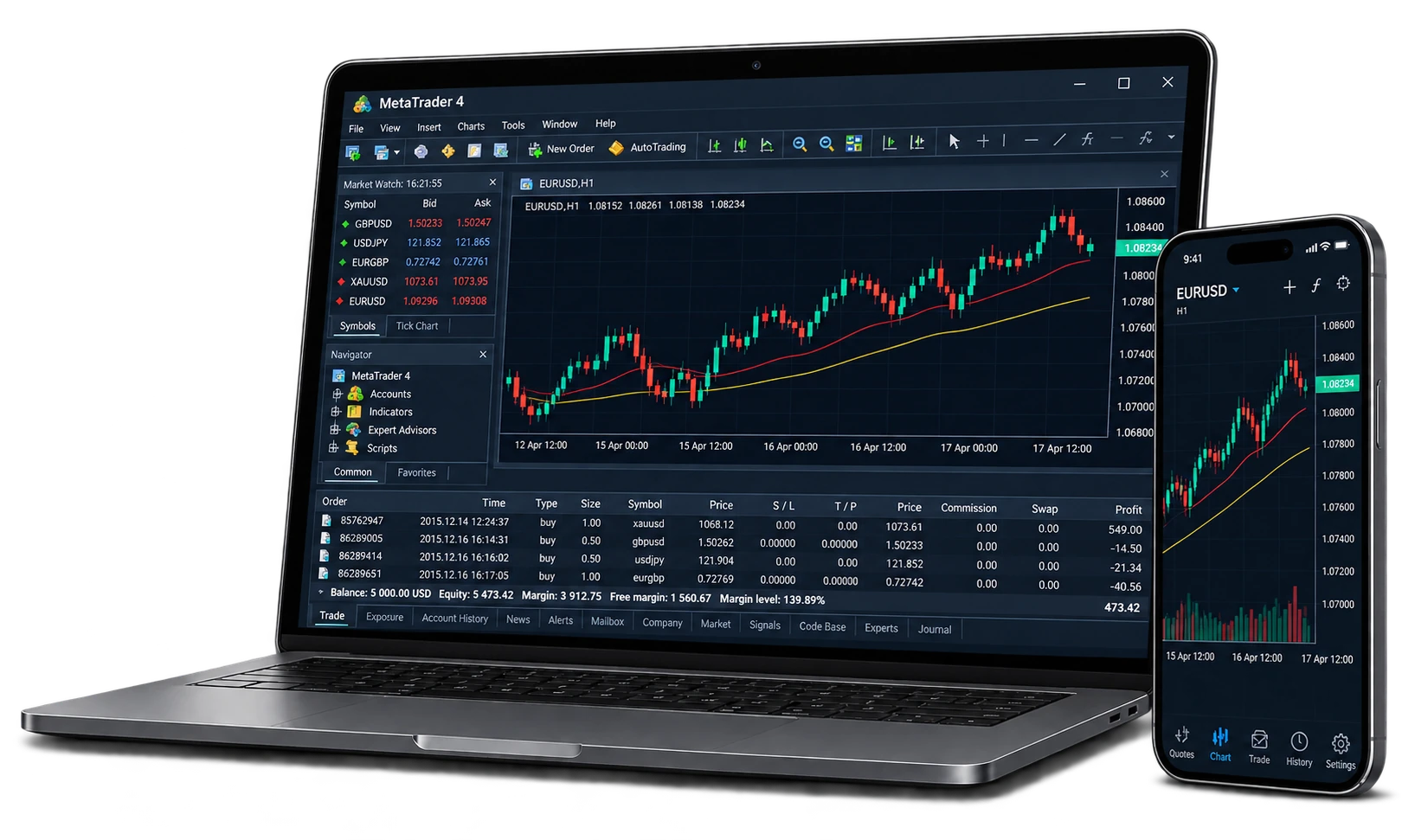
Bring quotes, charts and order management together with MetaTrader 4, across the devices suited to your workflow.
 Charts · Analysis · Order management
MetaTrader 4 brings market quotes, chart analysis, orders and account history into one terminal. Organise watchlists, chart windows and familiar tools around your research workflow.
Use standard timeframes, built-in indicators and graphical objects to study the market. Desktop terminals support compatible MQL4 custom indicators and Expert Advisors. Mobile and desktop features differ; available instruments and trading conditions depend on the account and server.
Build market watchlists, choose chart periods and save useful layouts. Keep price analysis, indicator signals and order information distinct.
Study price action with standard chart periods, built-in indicators and graphical objects such as lines and channels. Save useful templates and organise charts around your research method.
Review market and pending orders, stop-loss and take-profit settings. Confirm direction, volume and price before submission; available order types depend on the account.
Use compatible indicators and programs built for MQL4. Test before deployment and define risk limits; operation also depends on the terminal, connectivity and permissions.
Desktop terminals support detailed chart work and tool setup; mobile apps make account and order review convenient. Features differ between devices, so check system requirements and available functions.
Reconcile orders, costs and balance changes against account history. Review your rationale and execution, checking the report period, currency and coverage.
Use the supplied download destination, then connect your trading account to its designated server.
MetaTrader 4
Get the clientMetaTrader 4
Get the clientMetaTrader 4
Get the clientUse the relevant download route and verify the system and publisher.
Use the credentials and exact server supplied for the account.
Show your instruments and review volume, costs, margin and hours.
Understand order entry, stops, notifications and connectivity before use.
Review history and keep timestamps and error details when requesting help.
No. Downloading the platform does not open a trading account. Complete your account application, then sign in using the account number, server name and credentials provided when your account is opened. Keep your account password private.
Availability depends on the account and server, and a symbol may need to be shown in Market Watch. Verify the server and account, then check specifications or contact support.
No. A program follows rules, but strategy failure, data limitations, connectivity and terminal faults can cause losses. Backtests and demo results do not guarantee live performance.
No. Indicator, automation and add-on capabilities differ. Check the terminal version and device requirements for any custom tool you intend to use.
Share the terminal, server, time and time zone, order reference and error screenshot through official support. Never send passwords, authenticator codes or recovery codes.
Diverse markets, professional tools and ongoing support. Move forward with K9 Global.